Auto-sort
When you close your chest
One group per row
With Magic you look at a chest and type /tidy storage: the plan tells you the chests and signs, and waits for you to confirm.
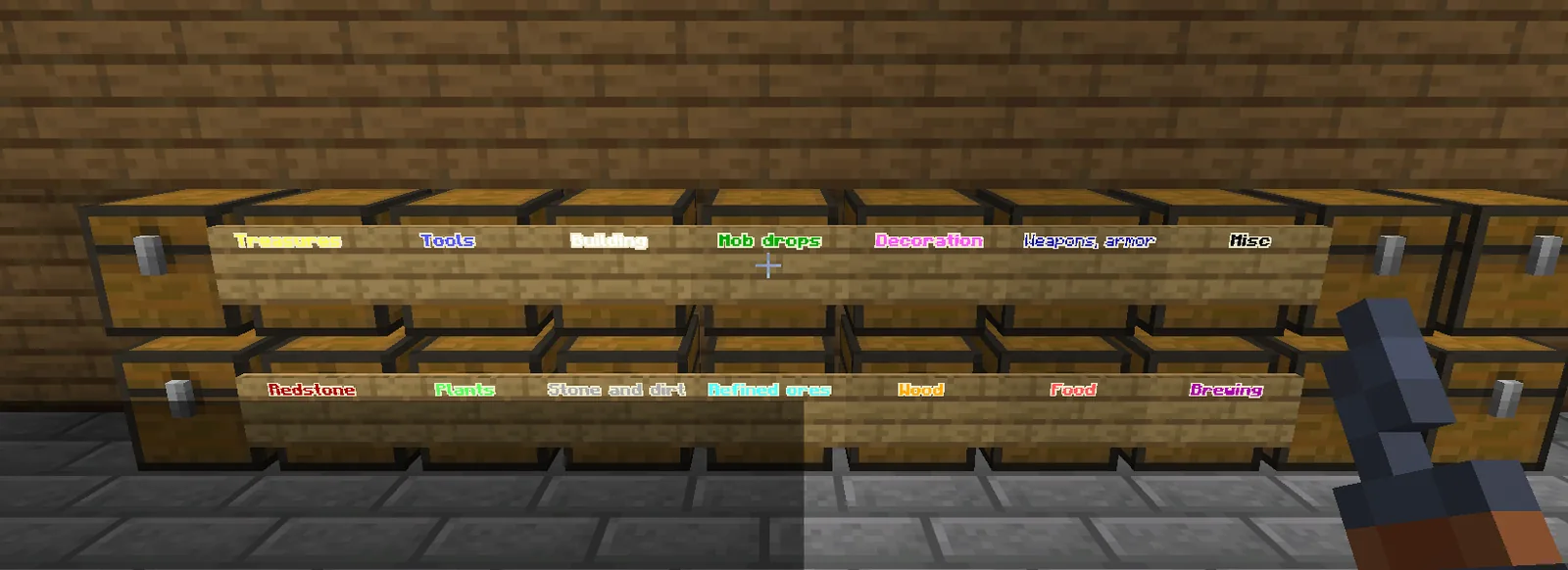
The contents of nearby chests are split by category: ores, loot, stone, wood, building, decoration.
Each chest gets a colored sign with its category. Leftover chests stay free. Discover Magic →
Chest sorting
Your chests in order the moment you close them. A whole storage room in order with one command.
Free · Paper & Purpur 26.2-3 · English and Italian · Commands and config ↓
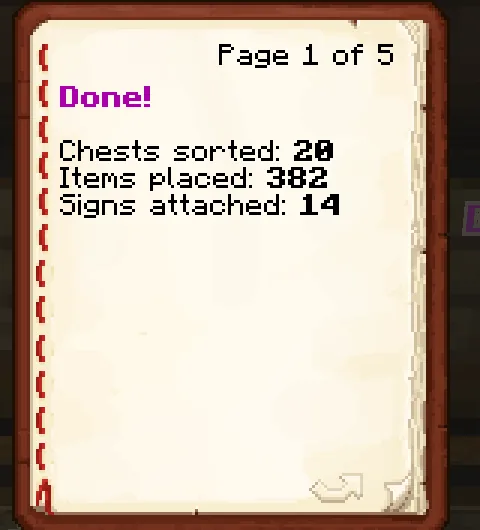
Twenty chests, 382 items, fourteen signs, one command.
Messages go only to the player concerned, never to the global chat.
When you close your chest
One group per row
The chest you look at
Even someone else’s you can open
Backpack and hotbar
Tools first, armour worn
All the chests around you
A colored sign on each
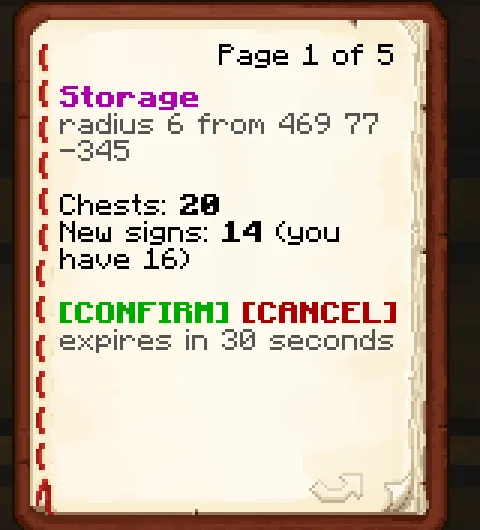
Look at a chest and type /tidy storage: Magic shows the plan in a book (chests, signs needed) and waits for your confirmation for 30 seconds. Then it splits everything by category and attaches a colored sign to each chest.
Groups in categorie.yml
Edit them freely
Never touches death chests
or a god’s altar and mission chests
A book on first join
Clickable commands
Auto-sort only works on chests that are yours: locked with your [KEY], or in a zone you lead. A shared chest never gets shuffled by mistake.
Radius 6 by default, up to 15. Signs come from your inventory: the plan tells you how many you need before anything moves.
Real screenshots from the test server, client 26.2, plugins in English.
Magic works on its own. With these plugins installed they know each other, and more happens.
Installation, commands, permissions and configuration of Magic. Requirements, questions and the commands of all six are in the general docs.
plugins folder of a Paper & Purpur 26.2-3 server./reload: Paper plugins do not survive a reload.language: en or it in its config.yml, then restart or use the reload command.| Command | Who | What it does |
|---|---|---|
/tidy | everyone | The book with the state and clickable commands (also /riordina, /rio). |
/tidy on · off | everyone | Auto-sort on closing. |
/tidy force | everyone | The chest you look at, once (/sortchest, /rif). |
/tidy inventory | everyone | Backpack and hotbar (/sortinv, /rin). |
/tidy storage [radius] | everyone | The storage room around you. |
/tidy confirm · cancel | everyone | After the storage plan. |
/tidy reload | magic.admin | Reload config.yml and categorie.yml. |
Italian forms: /riordina forza, inventario, magazzino, conferma, annulla, ricarica.
| Permission | Default | What it allows |
|---|---|---|
magic.admin | op | Force and storage on every chest, reload. |
Categories and their colours in categorie.yml (an Italian copy sits next to it). sorting.excluded-worlds turns the commands off in the worlds you list; the Backrooms worlds always are.
The pages are being set up. Until then, ask for the jar on the Discord or try it on the development server.
Want to see it running? Write to me and I will give you access to the development server · Discord
Each one runs on its own. Installed together, they know each other.