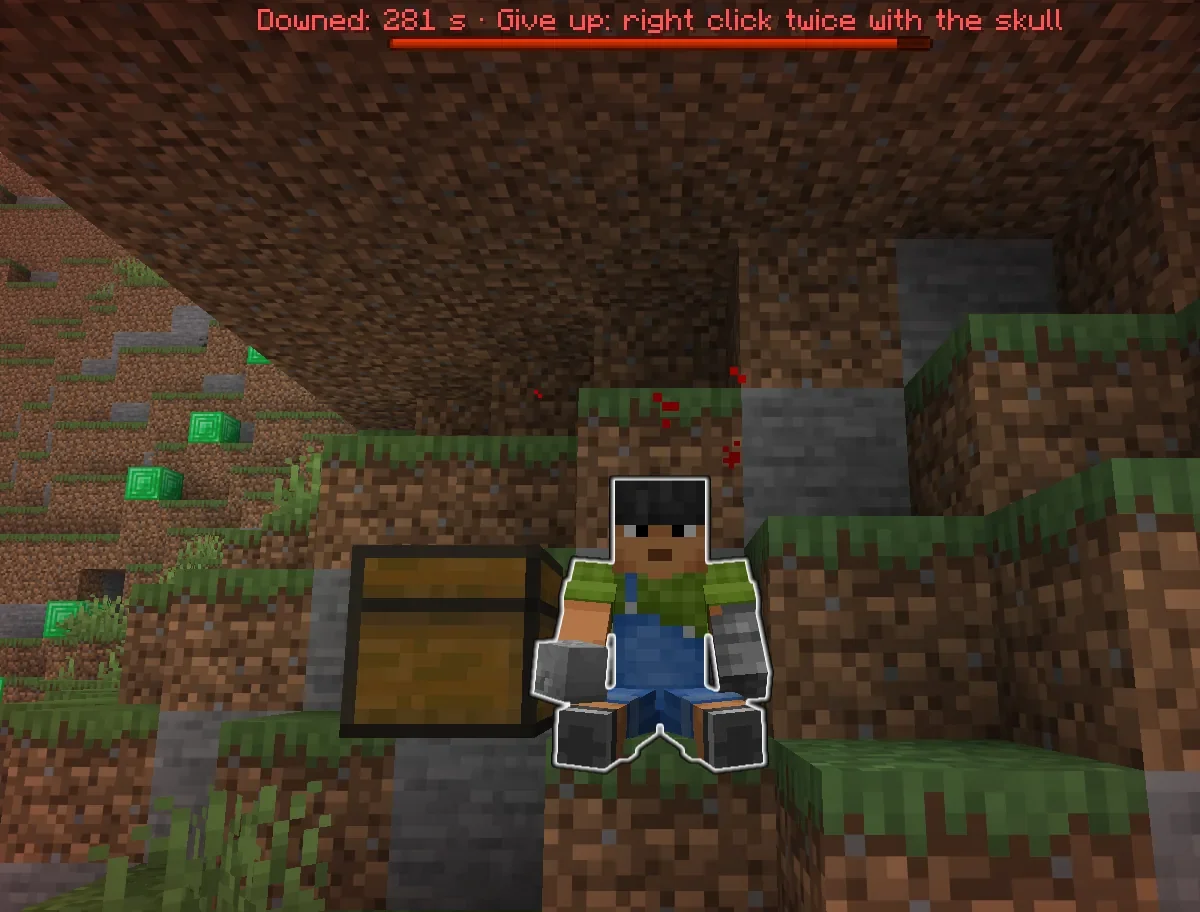
Downed
Five minutes to be saved
A teammate holds right click
With Siege, monsters don’t wait outside: they dig through walls, open doors, come in. No house is truly safe.
One hit too many doesn’t kill you: it knocks you down, and you have five minutes. Monsters leave you alone. A teammate can revive you.
On a server with Siege you play together, like it or not. Discover Siege →
With Backrooms, whoever dies downed too many times can wake up here: wet carpet, humming lights, yellow corridors that never end. And has to find the way out.
Monsters at the door
Monsters that dig, build and open doors, and players who go down instead of dying at once.
Free · Paper & Purpur 26.2-3 · English and Italian · Commands and config ↓
Your walls are only wood, and the zombies have all night.
Every part has its own switch in the config. Turn off what your server does not want.
Five minutes to be saved
A teammate holds right click
/roulette 0 to 10
Guess it and you stand up
Your items, right beside you
/cfind shows the way back
Nothing drops on the ground: whoever dies leaves a chest anyone can open, with a take-all button that puts your armour back on. /cfind tells you where your chests are and which way to walk.
Zombies chew through blocks
Glass and stone bricks hold
Monsters open doors
and climb after you
Zombies pillar up and bridge
Moats no longer stop them
Hit an animal and it hits back
The herd joins in
Log out in combat and you die
30 seconds after a hit
Towers and sneak-bridges limited
What counts is where you stand
With Backrooms installed
Down too often, wake up elsewhere
You sit on the ground, unable to move, with the seconds counting down. A teammate raises you by holding right click; a monster or an enemy can finish you; the skull in your hand lets you give up.
Monsters remember you for 30 seconds after losing sight, so locking yourself in does not end the night. They dig through wood, dirt and stone, open doors, and build up to reach you.
Buckets no longer leave permanent pools, dirt placed by players falls like sand, items left on the ground are cleared to save server time, and nobody can log out of a fight.
Real screenshots from the test server, client 26.2, plugins in English.
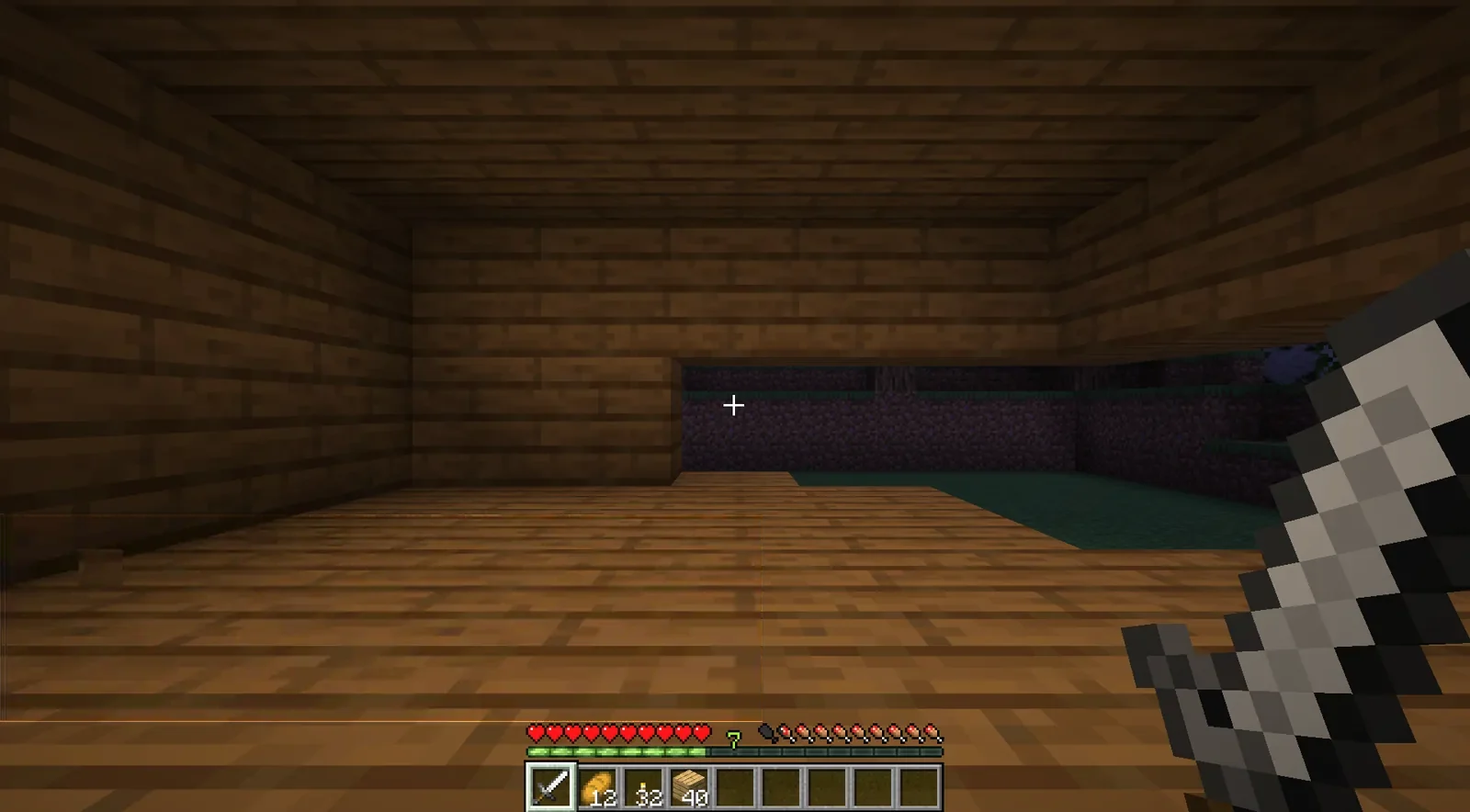
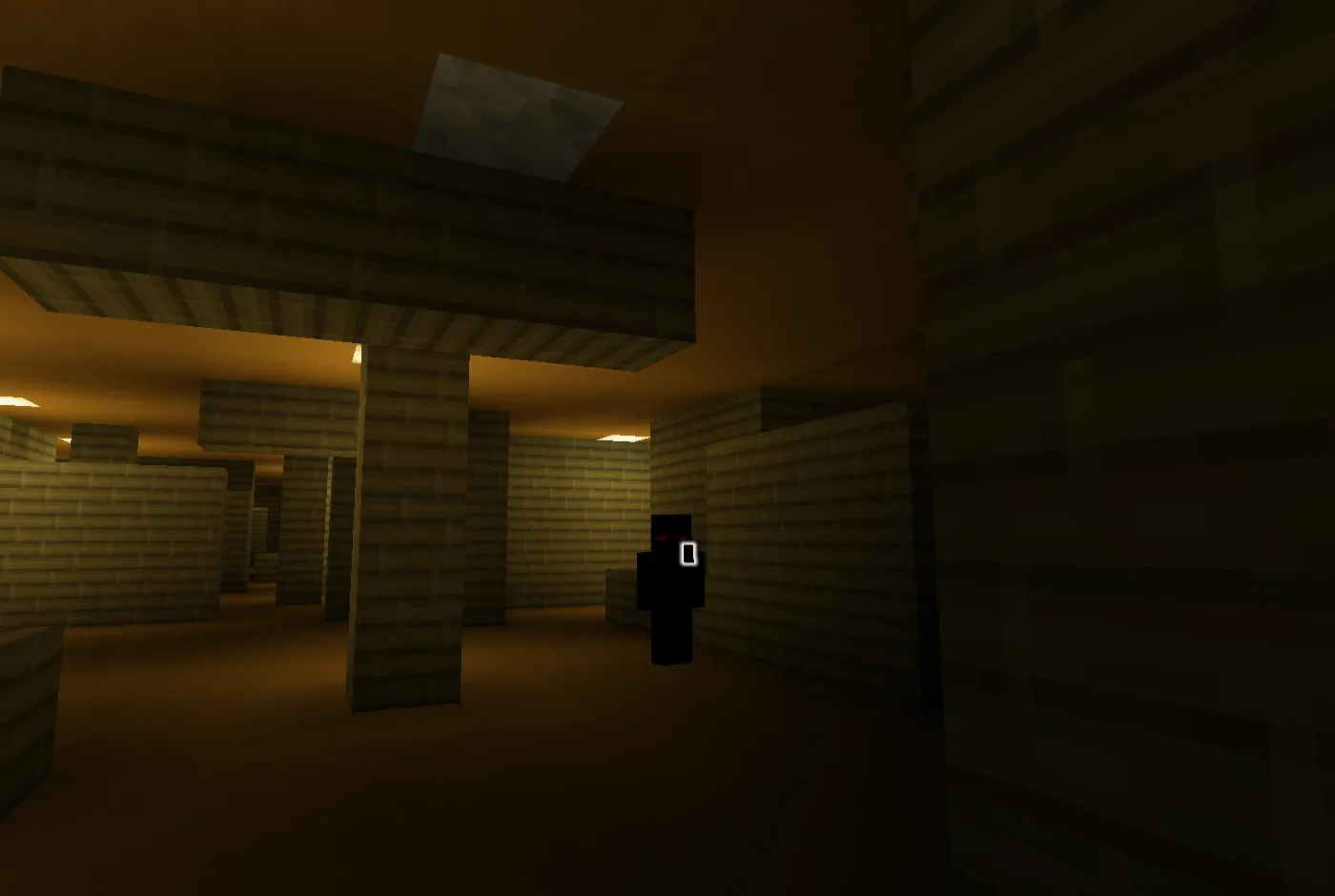


Siege works on its own. With these plugins installed they know each other, and more happens.
Installation, commands, permissions and configuration of Siege. Requirements, questions and the commands of all six are in the general docs.
plugins folder of a Paper & Purpur 26.2-3 server./reload: Paper plugins do not survive a reload.language: en or it in its config.yml, then restart or use the reload command.| Command | Who | What it does |
|---|---|---|
/roulette <number> | downed | Bet your life on a number from 0 to 10. |
/cfind [off|on] | everyone | Where your death chests are; off/on silences the notices. |
/bin | everyone | A trash can: what you put in is destroyed on closing. |
/limbo | in the Limbo | Your level, minutes served, exits (also /br). |
/downed [player] · /raise [player] | op | Knock down or revive, for testing. |
/siege br send <player> [level] | op | Send a player into the Limbo now. |
/siege br arm · free · status · truce | op | Arm the next fall, free a player, read the state, set the truce. |
/siege reload · timings | op | Reload the settings; show the stopwatches. |
Also /assedio, /ass, /sie. Italian forms: /cestino, /aterra, /rialza, /ctrova. On the server the plugin keeps its Italian name, Assedio: the file is Assedio-<version>.jar, the folder plugins/Assedio.
| Permission | Default | What it allows |
|---|---|---|
assedio.op | op | Staff commands. |
Groups in config.yml, each with its own switch: mob-break, mob-doors, mob-place, retaliation, buckets, cleanup, combat, tower, death-chest, back, chest-find, gravity, downed, roulette, limbo. Inside WorldGuard regions Siege steps back.
mob-break:
  enabled: true
  # ticks of 'chewing' before the block gives way (30 = about 1.5 seconds)
  ticks-to-break: 30
  # if the target is lower, they dig down
  dig-down: true
  # Seconds a monster remembers a player it can no longer see.
memory-seconds: 30The pages are being set up. Until then, ask for the jar on the Discord or try it on the development server.
Want to see it running? Write to me and I will give you access to the development server · Discord
Each one runs on its own. Installed together, they know each other.